M3U player for TV
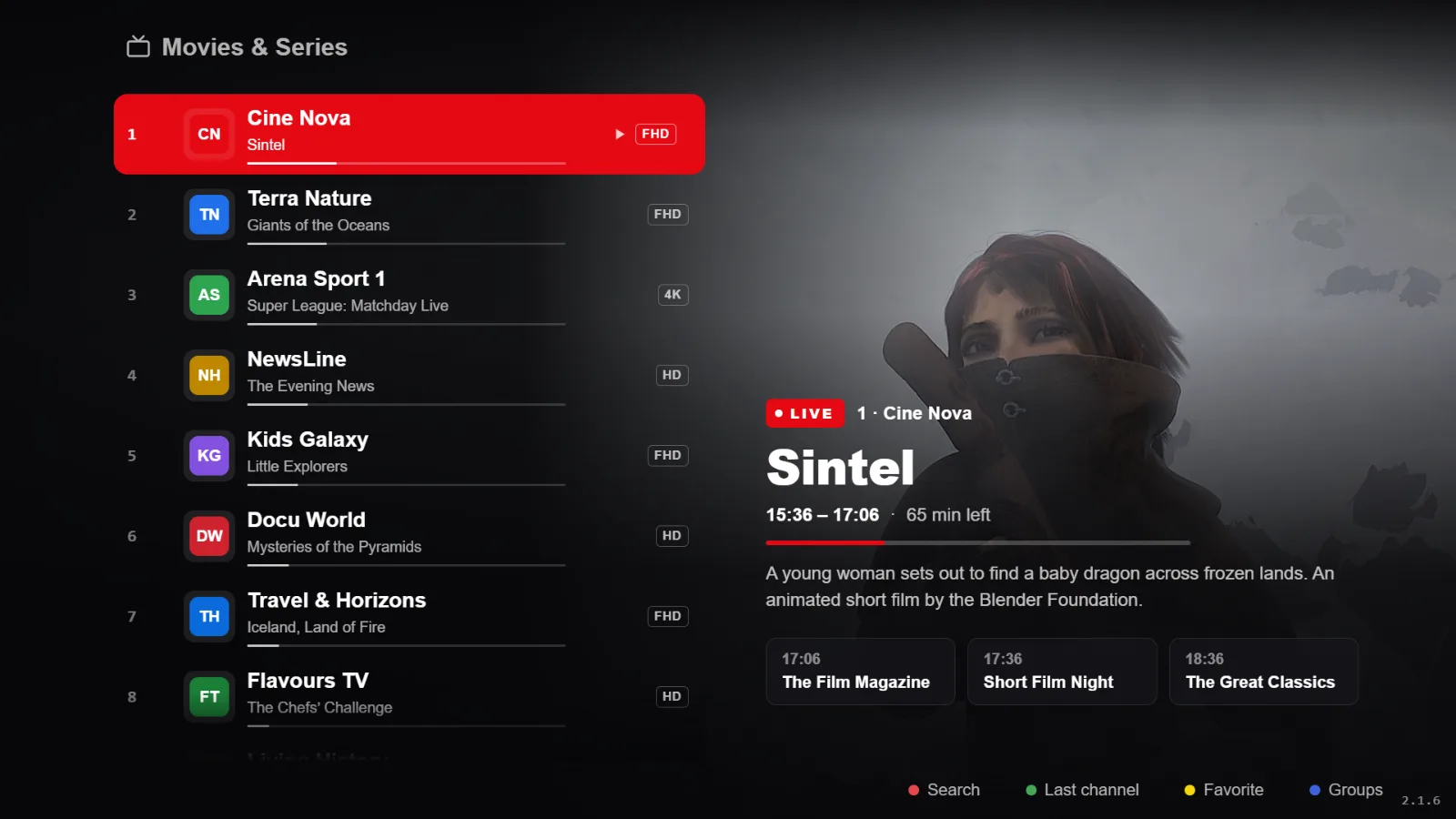
RSKTV Player Pro is an M3U player for TV: you give it your playlist link, and it shows the channels and videos, sorted by group, with navigation designed for the remote. The link is entered from a phone or a computer, not with the remote. Today the app installs on Android TV, Google TV, Fire TV and Android boxes; the Samsung version is under review. No content is supplied: the playlist is yours.
What is an M3U link?
An M3U file is a list of video or audio stream addresses, with a few details per entry: the name, the group (group-title), the logo (tvg-logo) and the identifier used by the programme guide (tvg-id). The M3U link is the address of that file, for example https://example.com/my-list.m3u.
An M3U player downloads that list, sorts it and plays the streams it points to. It supplies nothing by itself: without your link, there is nothing to show.
What the player does with your list
- Sorted by group: the list’s groups become categories, with each channel’s logo when the list provides it.
- Live, films and series shown separately, resuming where you stopped, favourites.
- Programme guide when your source provides one: see adding a programme guide (XMLTV link).
- Large lists: the display keeps only what is visible on screen, to stay smooth with several thousand entries on a modest box.
- Several playlists on the same device, going back automatically to the previous one if the new one does not respond: see several playlists.
Adding an M3U link on your TV, in four steps
- Install RSKTV Player Pro on the TV or box: guides for Android TV and Google TV and Fire TV.
- Open the app: it shows the device ID and a code.
- On a phone or computer, open the site’s My device page, enter the ID and the code, then choose the Playlist link tab.
- Paste your M3U link, name the playlist, then choose Save the playlist: it is attached to that device and added to the others, replacing nothing.
Which TVs
| Device | Status today |
|---|---|
| Android TV and Google TV | Available as a direct download; Google Play listing under review. The player on Android TV |
| Amazon Fire TV | Available as a direct download. The player on Fire TV |
| Android boxes | Available as a direct download; results depend on the model’s hardware decoding. |
| Android phones and tablets | Available as a direct download. The player on mobile |
| Samsung TV (2018 and newer) | Under review by Samsung, not yet published. The player on Samsung |
M3U links that cause trouble
- The link contains a username and password (
…/get.php?username=…): it is a media server. Entered in the “Media server” tab, it also gives you categories and the guide: see the difference. - The link has expired, or its number of simultaneous connections is used up: the list loads badly or channels do not start. That is settled with the source.
- An address on your local network (192.168.x.x) only works if the TV is on that same network: see personal media and network streams.
- A playlist link is a secret: it gives access to your source. Never publish it.
What you pay for
The player has a seven-day trial, all features, no card required, once per device. After that, one licence per device, twelve months or a one-off purchase, at the prices shown on the home page.
That price is for the software: no channels, no films, no content subscription is included, supplied or suggested. You remain responsible for where your playlist comes from and whether it is lawful in your country.
Frequently asked questions
Does the player supply channels?
No. RSKTV Player Pro plays the M3U link you already own. No channels, no films, no playlist is provided, hosted, resold or suggested.
Do I have to type the link with the remote?
No. The link is entered on the site’s My device page, from a phone or computer, with the ID and code the app displays.
Which list formats are accepted?
Standard M3U and M3U8 lists, with their usual attributes (tvg-id, tvg-logo, group-title). The streams themselves must be in a format the device can decode; HLS, MPEG-TS and MP4 are the most common.
My link works on a computer but not on the TV
Check that it has not expired and that its number of simultaneous connections is not used up. If the address is on your local network, the TV must be connected to that same network.
Seven-day trial, no card required.