Media server or M3U link: what’s the difference, which to choose
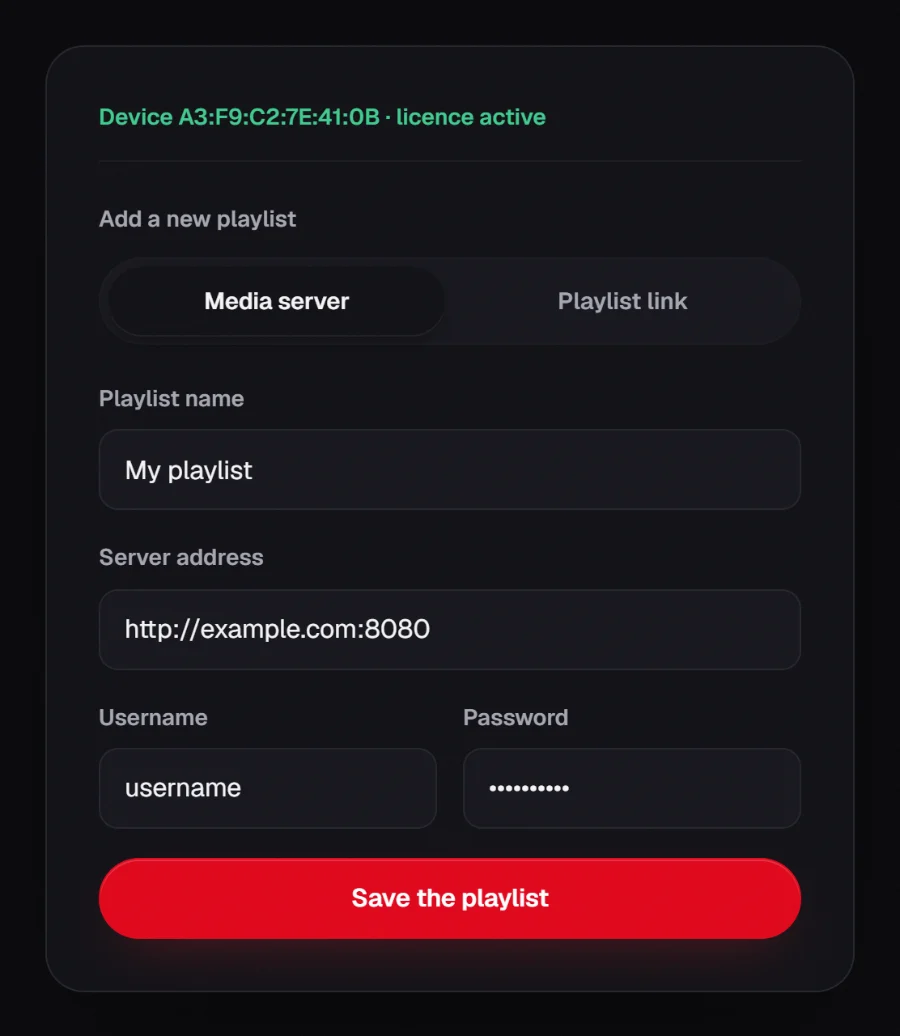
A media server is set up with a server address, a username and a password; an M3U link works on its own. If your provider offers both, pick the media server: the player retrieves live, movies, series and the programme guide separately, which gives you structured browsing. M3U remains the most universal format when all you have is a link.
What each format gives you
| Media server | M3U link | |
|---|---|---|
| What you enter | Server address + credentials | One link |
| Live, movies, series | Separate categories | One list, sometimes grouped |
| Programme guide | Retrieved by the player | Needs a separate XMLTV link |
| Resume / metadata | Usually available | Rarely |
| Compatibility | Servers with login access | Near universal |
When M3U is the better pick
- Your provider only gives you a link, with no separate credentials.
- You are playing a list you built yourself, for example personal media.
- The server offers no login access.
- For your own videos or streams from a device on your network, see Playing your own media; for the M3U player in general, M3U player for TV.
A common trap: the M3U link that already holds your credentials
Many M3U links look like http://example.com:8080/get.php?username=…&password=…. That is in fact a media server handing you a playlist.
When that happens you can often enter it in the “Media server” tab: the address is the part before /get.php, and the username and password are the ones in the link. You gain categories and the programme guide.
Two things to watch
- A playlist link is a secret. It carries your credentials in clear text: never publish it, never paste it on a forum.
- You remain responsible for where your playlists come from and whether they comply with the law in your country. RSKTV plays no part in obtaining them.
Frequently asked questions
Can I save several playlists?
Yes. You can save several sources and switch between them, for instance one per room or per use.
Does RSKTV supply a playlist?
Never. No channels, no films, no content subscription is provided, hosted, resold or suggested. You bring your own.
My link works elsewhere but not here
Check that it has not expired and that it is not capped to a number of simultaneous connections already used by another device.
Seven-day trial, no card required.