Adding a programme guide (XMLTV link)
The programme guide loads from an XMLTV file supplied by your source. With a media server, it is fetched automatically. With an M3U link, the Android TV, Fire TV and Android app reads the guide link written in the playlist, or the one you enter in Settings › Sources & APIs. On Samsung, the guide comes from the media server.
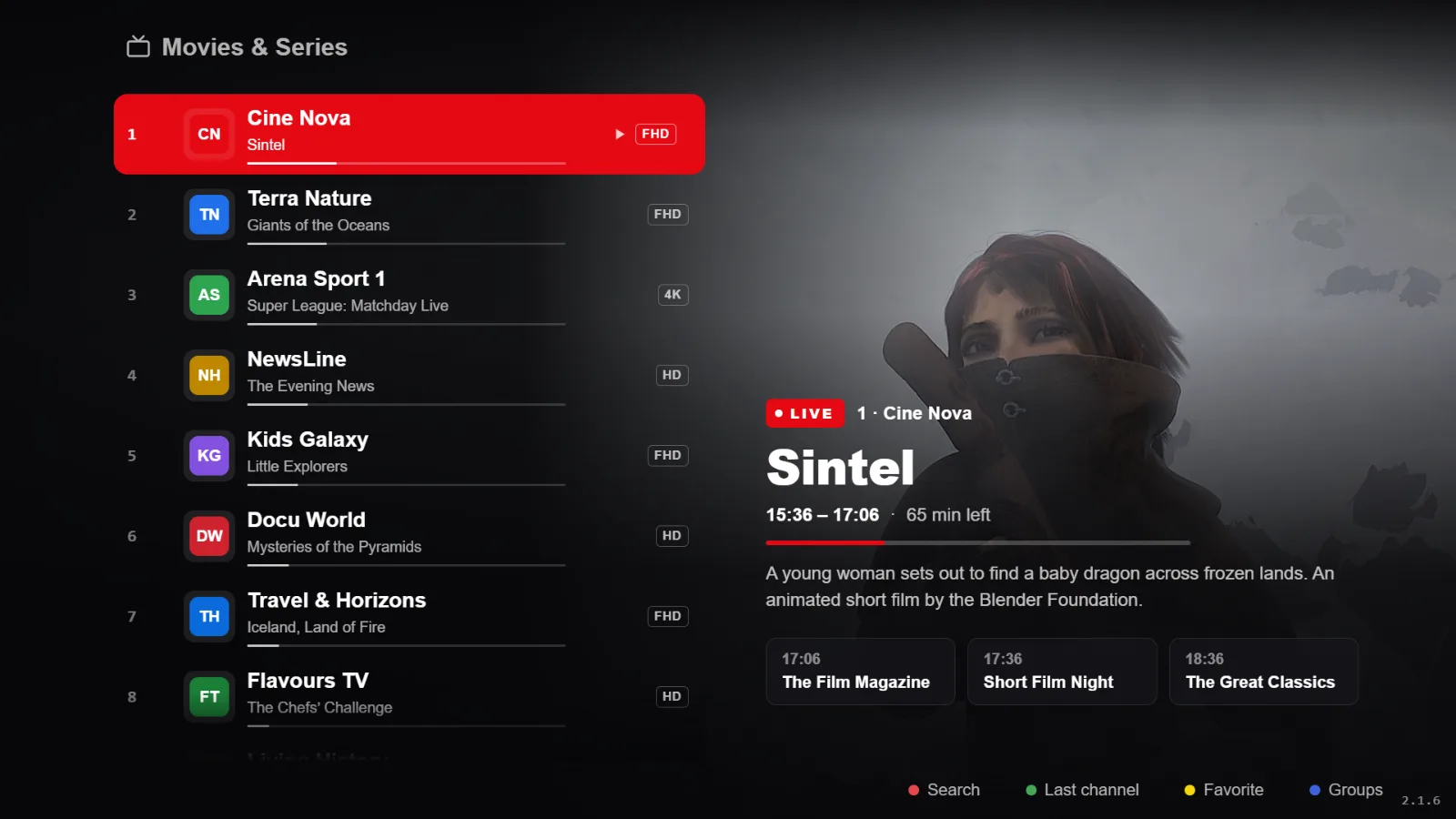
What an XMLTV link is
XMLTV is the usual format for programme guides: a file that lists, channel by channel, the programmes with their start and end times. The XMLTV link is the address of that file, often compressed: https://example.com/guide.xml or https://example.com/guide.xml.gz.
The link is given to you by your playlist’s source, usually alongside the M3U link. RSKTV does not supply one: the player displays your source’s data.
Where the guide comes from, depending on your source
| Your source | Where the guide comes from | What to do |
|---|---|---|
| Media server | Fetched automatically from the server | Nothing |
| M3U link that announces its guide | Link written at the top of the playlist (x-tvg-url), read on import — Android TV, Fire TV, Android | Nothing |
| M3U link without a guide | XMLTV link entered in the settings — Android TV, Fire TV, Android | Enter the link (steps below) |
Entering an XMLTV link on Android TV, Fire TV or Android
- Open Settings › Sources & APIs.
- In the Default TV guide (EPG) card, enter your link in the EPG URL (XMLTV .xml or .xml.gz) field.
- Choose Save the EPG URL.
- Choose Load / refresh the TV guide to download it straight away, without waiting for the automatic update.
Good to know
- This link is a fallback: it applies to playlists that have no guide of their own. A playlist that already announces one, or a media server, keeps its own.
- The guide then updates in the background, about twice a day.
- To stop using it, clear the link with the button next to the save button.
On a Samsung TV
The Samsung app fetches the guide from the media server: there is nothing to enter. If your M3U link contains a username and password, the app recognises it as a media server and gets the guide from it too.
It does not currently have a field for a separate XMLTV link: an M3U playlist without a server shows no guide there. The Samsung version is also still being reviewed by Samsung and is not yet published.
If the guide is still empty after adding it
- The guide only shows for channels whose identifier (
tvg-id) matches a channel in the XMLTV file. The app tolerates differences in capitals, spaces and suffixes such as “HD” or “.fr”, not an entirely different name. - A full XMLTV file can be large: give the download time, on stable Wi-Fi or Ethernet.
- A dead link gives no guide: open it in a browser to check that it responds.
- Shifted or partial guide: see My programme guide is empty.
Frequently asked questions
Does RSKTV supply an XMLTV link?
No. The guide comes from your playlist’s source. RSKTV Player Pro neither supplies nor hosts any programme data.
Can I enter the XMLTV link on the website?
Not at the moment. The My device page saves the playlist, media server or M3U link, without a separate guide link. The XMLTV link comes with the playlist, or is entered in the Android app.
Does the guide update by itself?
Yes. The Android app reloads it in the background, about twice a day; the Load / refresh the TV guide button forces an immediate update.
Seven-day trial, no card required.