The RSKTV player on LG TV
The version of RSKTV Player Pro for webOS, the system on LG televisions, is in preparation: it will play your M3U or media-server playlists. The interface accepts both LG navigation styles: the Magic Remote pointer and the directional arrows. No content ships with the app.
RSKTV Player Pro is not yet available on LG TVs. The webOS version is in preparation; it will then go through LG’s review before appearing in the LG Content Store. No date has been announced. This page describes the player as it will work on this platform.
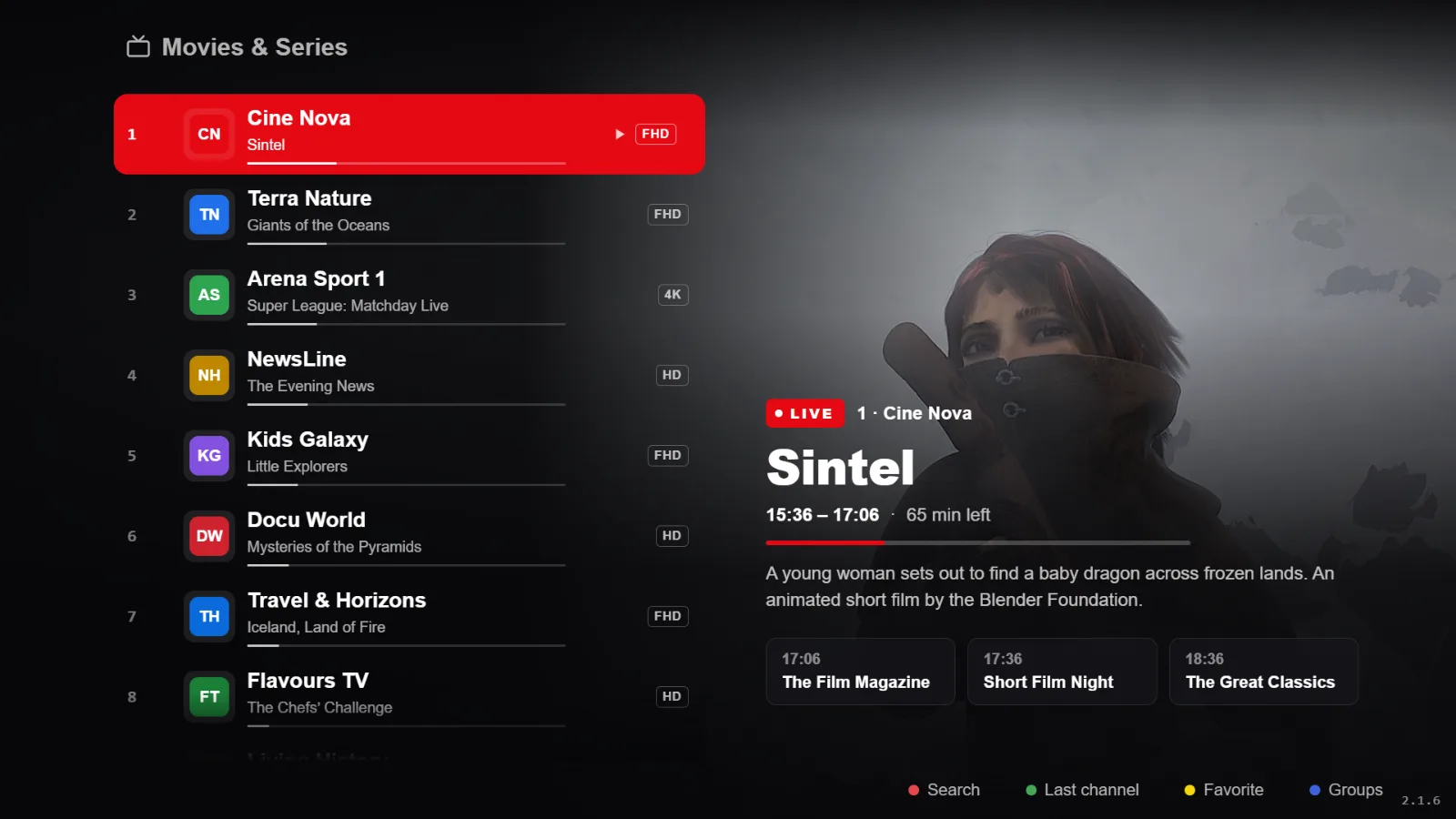
What it gives you on an LG TV
- Pointer and arrows both work: the pointer to cross a long list, the arrows for precision. Put the remote down for a few seconds and the pointer fades.
- Interface designed for living-room viewing distance, not a desk monitor: strong contrast, large targets.
- Live with an electronic programme guide, and channel-number zapping.
- Films and series, resuming where you stopped.
- Catch-up on playlists that offer it, plus radio.
- Several saved playlists, switched instantly.
- Interface in French, English, Spanish, Italian and Russian.
What you need
| Item | Detail |
|---|---|
| TV set | LG running webOS, connected to the internet. |
| Account | An LG account signed in — the Content Store asks for it on first install. |
| Playlist | Yours: an M3U link or a media server. |
Your playlists, and nothing else
RSKTV Player Pro is a player. It provides, hosts, resells and suggests no channels, no films, no content subscription. What you pay for is the software licence, nothing more.
You bring your own playlist, through a media server (server address, username, password) or a single M3U link. You remain solely responsible for where it comes from and whether it is lawful where you live.
You add it from this website, using the device ID and code the app displays — not with the remote. Several playlists can coexist and be swapped in two clicks.
Trial, price and licence scope
- Seven-day trial, all features, no card required. It starts on its own at first launch, once per device.
- After that, a licence: twelve months or a one-off purchase. Current prices in your currency are on the home page.
- One licence covers a single device, identified at activation. A second screen needs a second licence.
- If you replace the device, support can attach your licence to the new one — once per licence.
- No advertising, at any point, and no resale of viewing data.
Installing on LG
Everything goes through the LG Content Store, the shop built into webOS. The guide covers the procedure and what to look at if the store finds nothing — usually the country set on the TV.
Frequently asked questions
Is the Magic Remote required?
No. The app is fully operable with the directional arrows and the OK key. The pointer is a convenience, never a requirement — that is a design rule, not a vague promise: a TV app that demands a pointer is unusable with a replacement remote.
My LG TV is old — how do I know if it is supported?
The practical test is the LG Content Store itself: if it will not offer the app, the model is below what the published build requires. Older sets only reach a reduced catalogue, independently of us.
Are playlists shared between my LG TV and another device?
Your playlists are attached to the activated device. One licence covers one device: a second screen needs a second licence, and its playlist is saved the same way from this site.
Seven-day trial, no card required.