The RSKTV player on Apple TV
RSKTV Player Pro installs on Apple TV HD and Apple TV 4K and plays your M3U or Xtream playlists. Text entry, painful on this box, is avoided: the playlist is saved from this website using the code shown on screen. No channels are supplied.
RSKTV Player Pro is not yet published on the Apple TV App Store. This page describes the player and what it brings on this platform. The link to the listing will be added as soon as it goes live.
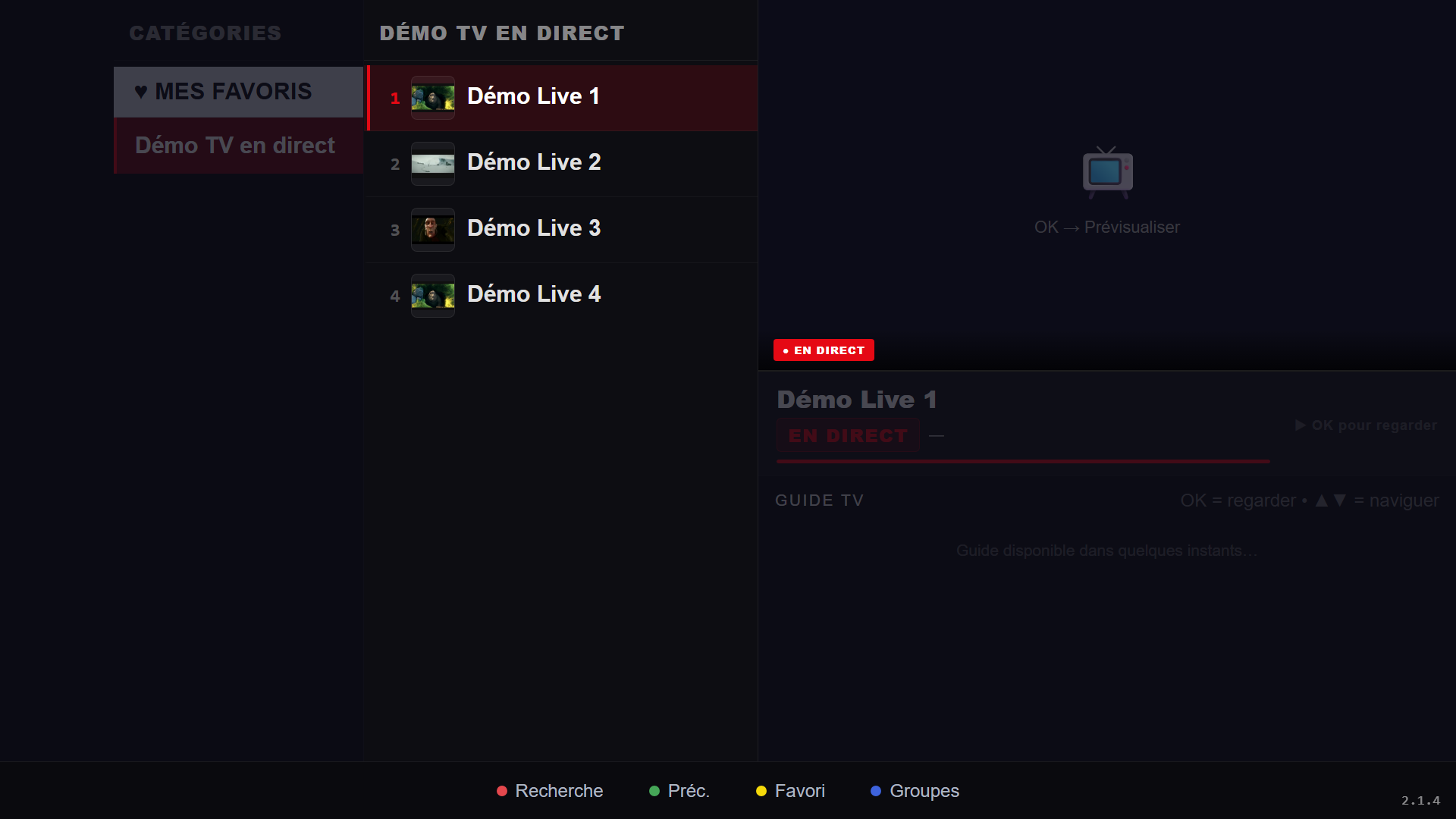
What it gives you on Apple TV
- Nothing to type on the box. The device ID and code appear on screen; you enter the playlist from a phone or computer.
- Navigation suited to the Siri Remote, whose touch surface makes long lists slippery: large targets and strong position cues.
- Live with an electronic programme guide, and channel-number zapping.
- Films and series, resuming where you stopped.
- Catch-up on playlists that offer it, plus radio.
- Several saved playlists, switched instantly.
- Interface in French, English, Spanish, Italian and Russian.
What you need
| Item | Detail |
|---|---|
| Box | Apple TV HD or Apple TV 4K, up to date. |
| Account | An Apple Account signed in on the device. |
| Playlist | Yours, in Xtream or M3U format. |
Your playlists, and nothing else
RSKTV Player Pro is a player. It provides, hosts, resells and suggests no channels, no films, no content subscription. What you pay for is the software licence, nothing more.
You bring your own playlist, in Xtream format (server address, username, password) or M3U (a single link). You remain solely responsible for where it comes from and whether it is lawful where you live.
You add it from this website, using the device ID and code the app displays — not with the remote. Several playlists can coexist and be swapped in two clicks.
Trial, price and licence scope
- Seven-day trial, all features, no card required. It starts on its own at first launch, once per device.
- After that, a licence: twelve months or a one-off purchase. Current prices in your currency are on the home page.
- One licence covers a single device, identified at activation. A second screen needs a second licence.
- If you replace the device, support can attach your licence to the new one — once per licence.
- No advertising, at any point, and no resale of viewing data.
Installing on Apple TV
Installation goes through the tvOS App Store, like any other app. The guide details the steps and flags a detail that often surprises: the catalogue depends on the Apple Account’s country, not the network.
Frequently asked questions
Why not type the playlist straight into the Apple TV?
Because a server address and a password are miserable to type with the Siri Remote, and one typo yields an opaque error. Going through the website with an on-screen code removes the problem instead of documenting it.
Will a third-generation Apple TV do?
No. Generations before Apple TV HD have no App Store and cannot receive third-party apps at all. That is an Apple limit, not the player’s.
Can I use the same licence on my Apple TV and my iPhone?
No: one licence covers one device. The Apple TV and the phone count as two. If you replace the Apple TV, however, support can transfer the licence to the new one, once per licence.
Seven-day trial, no card required.